
Spellsketch

Say it,
see it grow.

What you don’t say doesn’t get drawn.
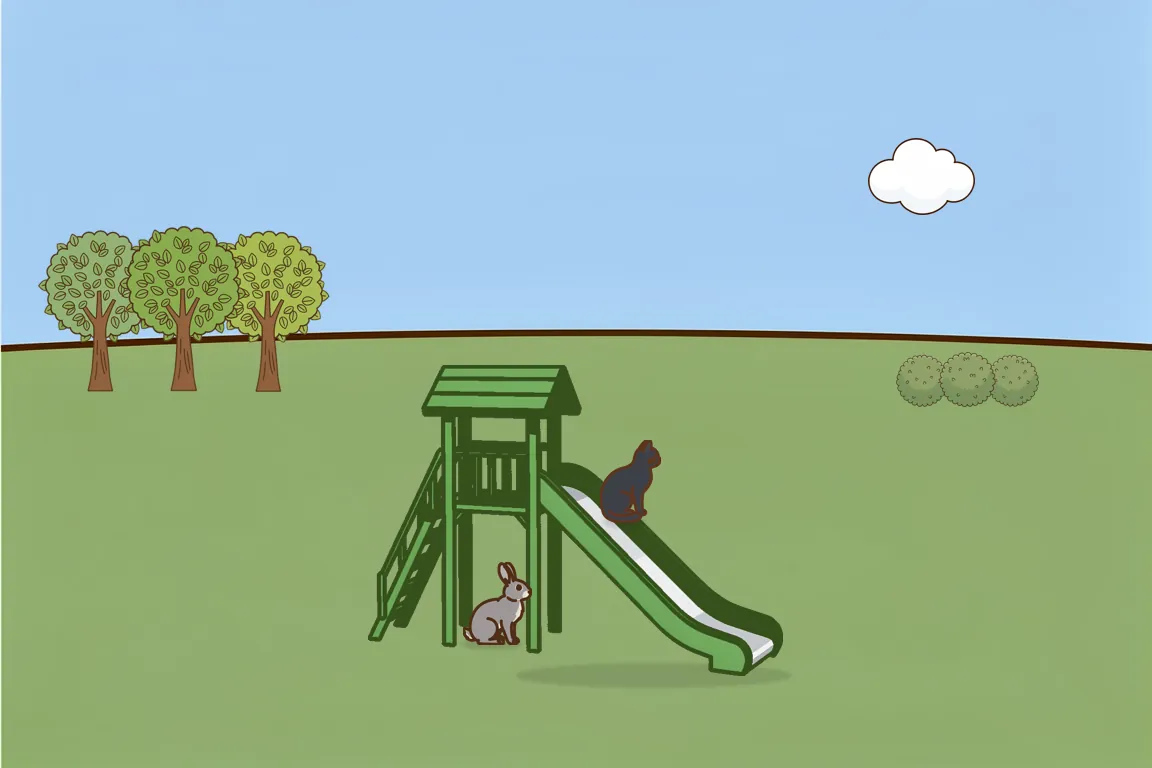
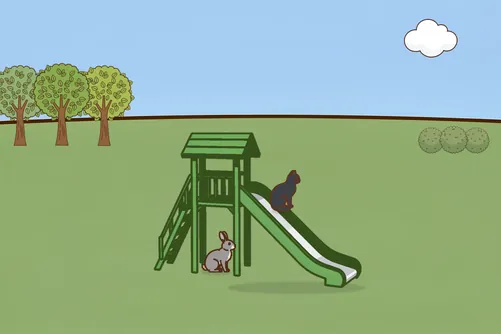
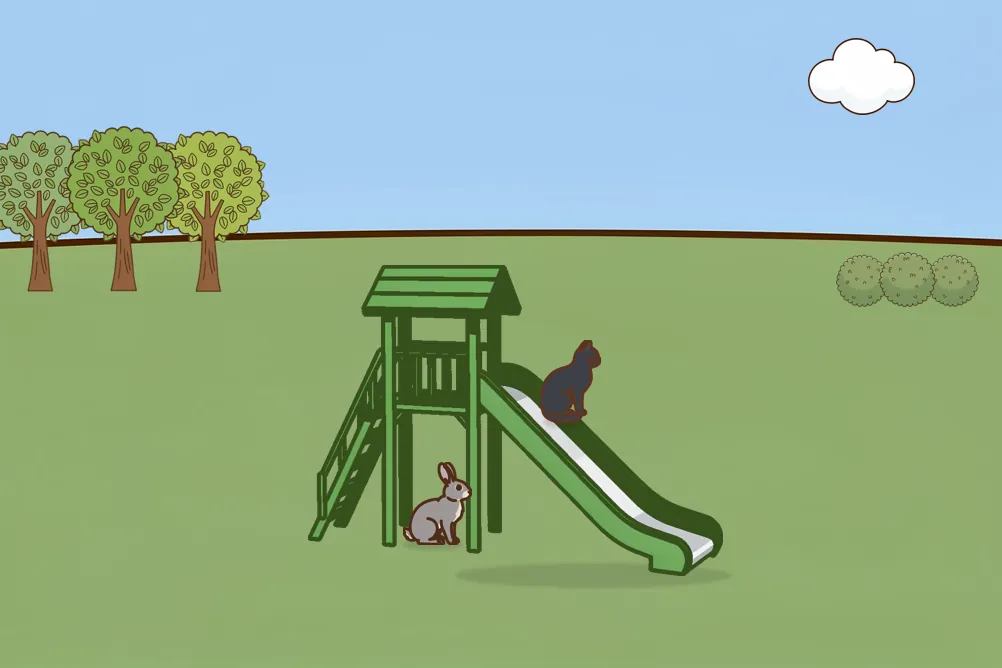
Your picture Your picture, all grown: a black cat on a green slide and a grey rabbit under it, in a park with trees, bushes and a cloud

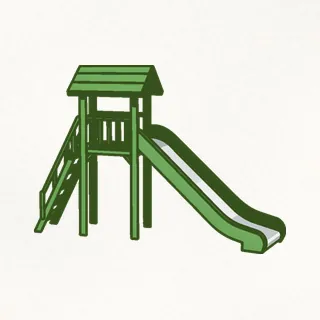
A cat on a slide. The cat is black, the slide is green. A grey rabbit under the slide. In a park with trees, bushes and a cloud.

12 / 12 · All grown

Free to start · iPhone and iPad

How it works
One picture a day, filled in by your words.

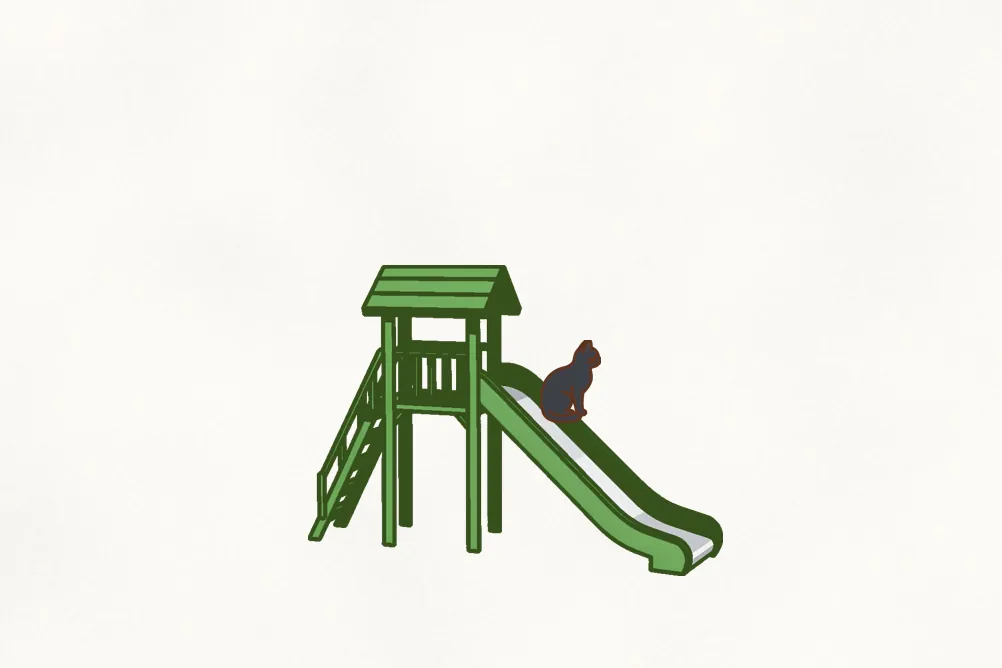
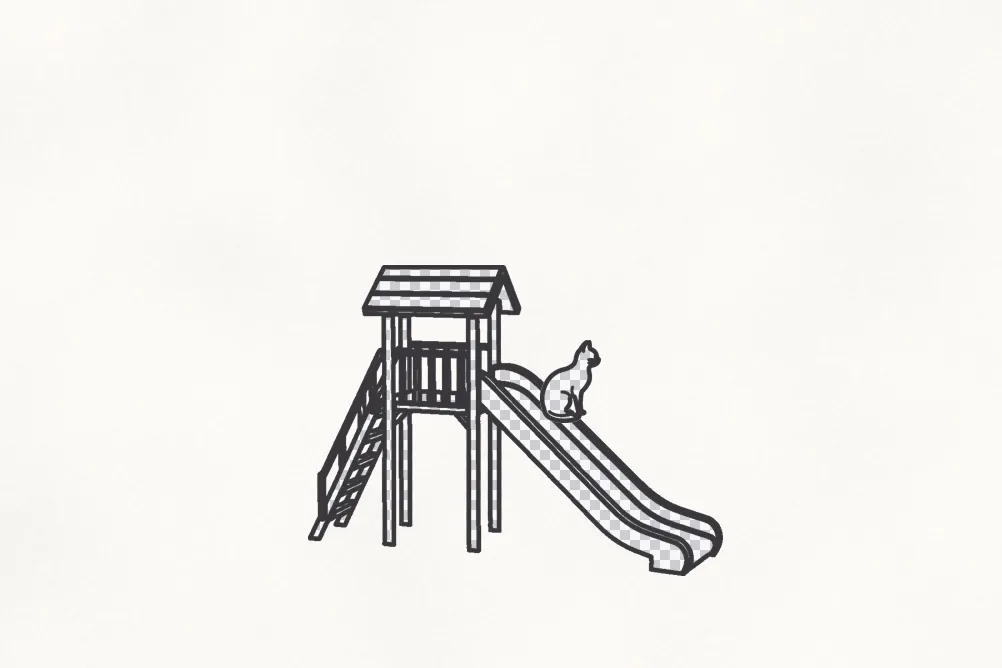
  1. “A black cat on a green slide” Your picture so far: a black cat on a green slide, on blank paper

    01

    Say what you see

    Look at today’s picture and say what you see in English. You can type, too.
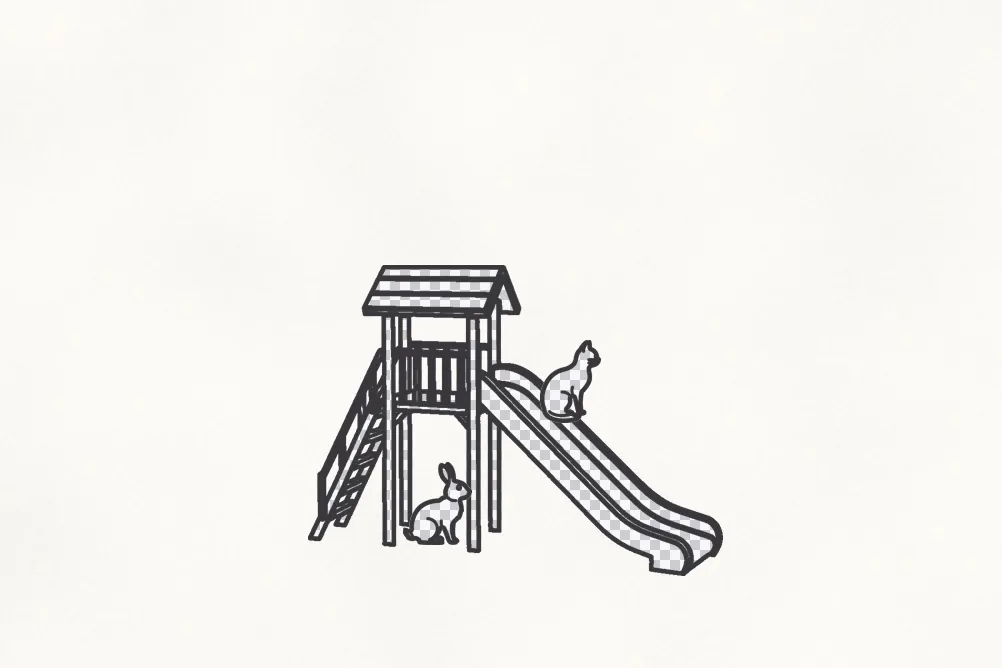
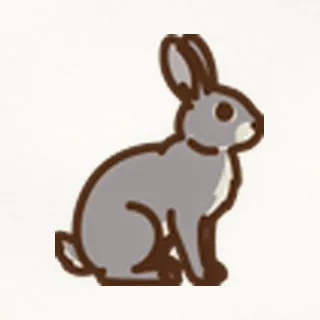
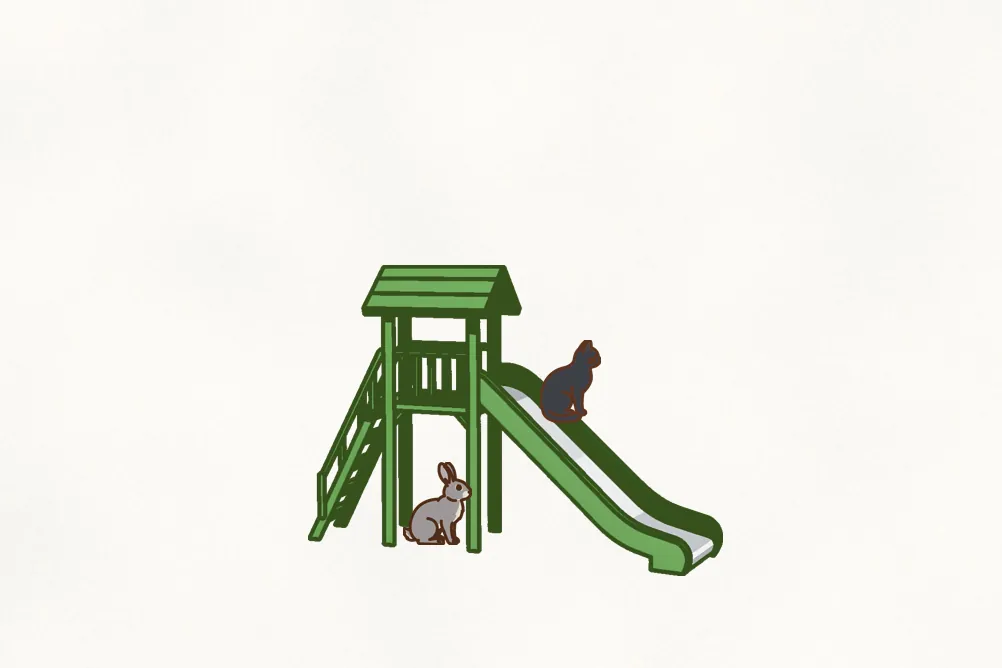
  2. “…a grey rabbit under the slide” Your picture so far: the cat on the slide and a grey rabbit underneath, still on blank paper

    02

    Watch it grow, word by word

    Each thing you name is drawn the moment you say it.
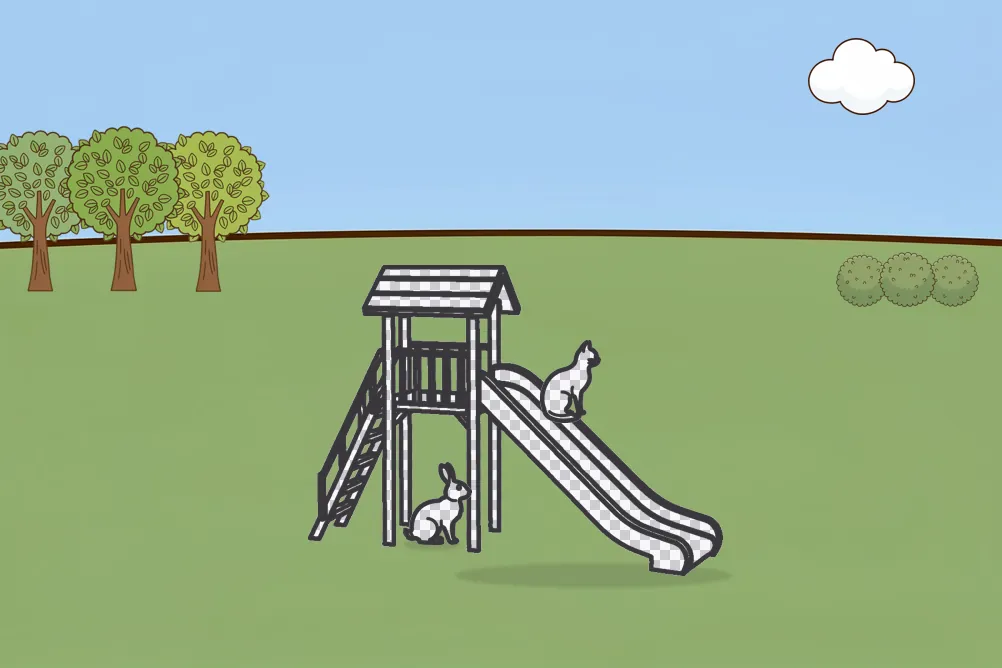
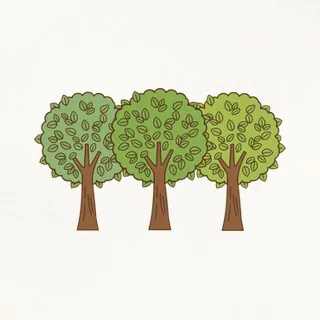
  3. All grown All grown: the cat on the slide and the rabbit underneath, in a park with trees, bushes and a cloud

    03

    Fill in every detail

    Say them all and the picture is complete. Stuck? A hint asks “Where is it?” but never gives the answer.
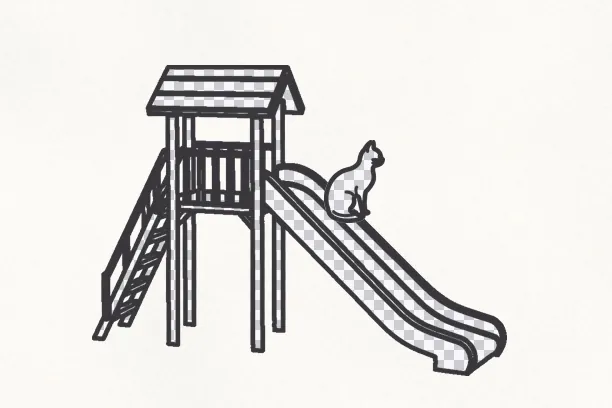
“A cat on a slide” A cat on a slide, drawn in outline and filled with a gray checkerboard because no colors were said, on blank paper

Why it works

Miss a detail, and you’ll see it.

Image generators fill in the gaps for you. Here the gaps stay, so you can see what’s missing and know what to say next.

  • Said drawn right away
  • No color yet stays checkered
  • Not said not there at all

Spell Book

Words you say right are yours to keep.

  • Each one goes into your Spell Book, with the sentence and the picture where you first said it.
  • Use them to make pictures of your own.

Make your own

Make pictures of your own.

The words you’ve learned are your palette. Put them into English sentences, build your own scene, pick a style, and keep it in your Spell Book.
  • Only words from your Spell Book.
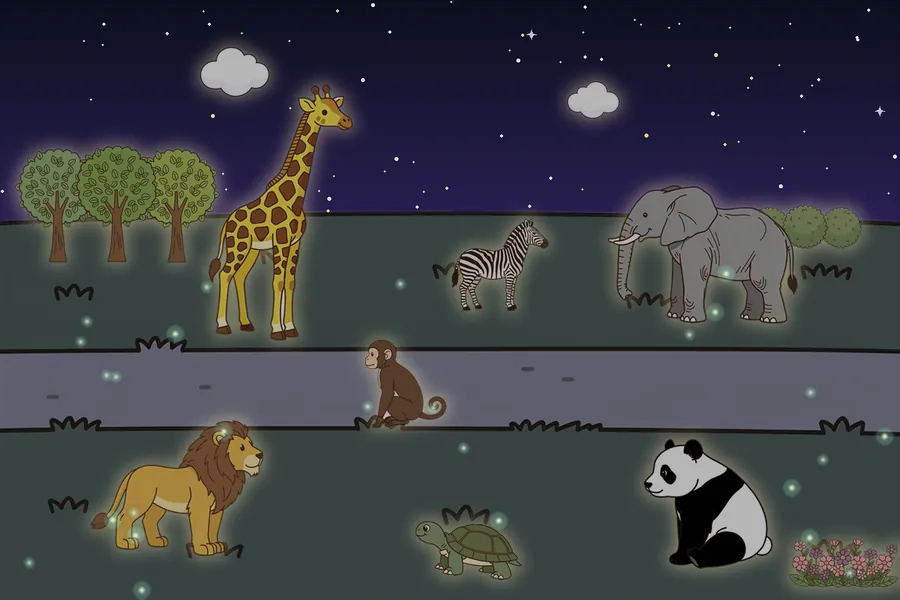
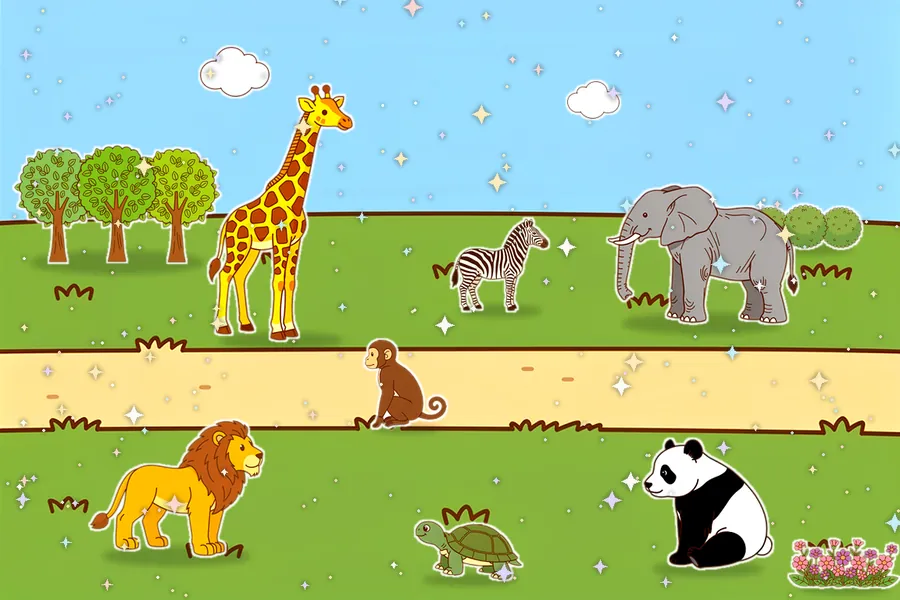
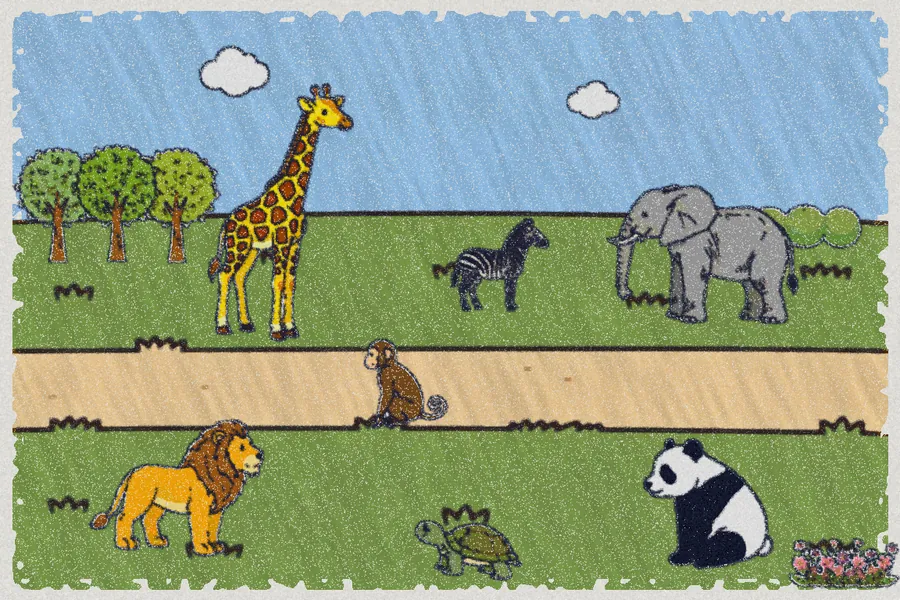
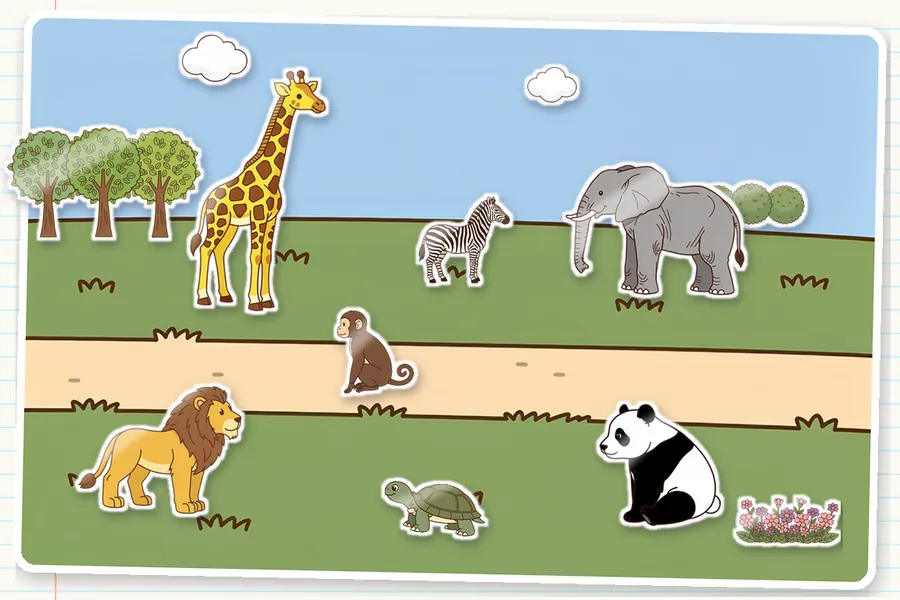
  • Styles like sticker, starry night, candy and crayon.
  • Make things bigger or smaller, turn them, or flip them around.
  • It looks like your picture, not another practice picture.
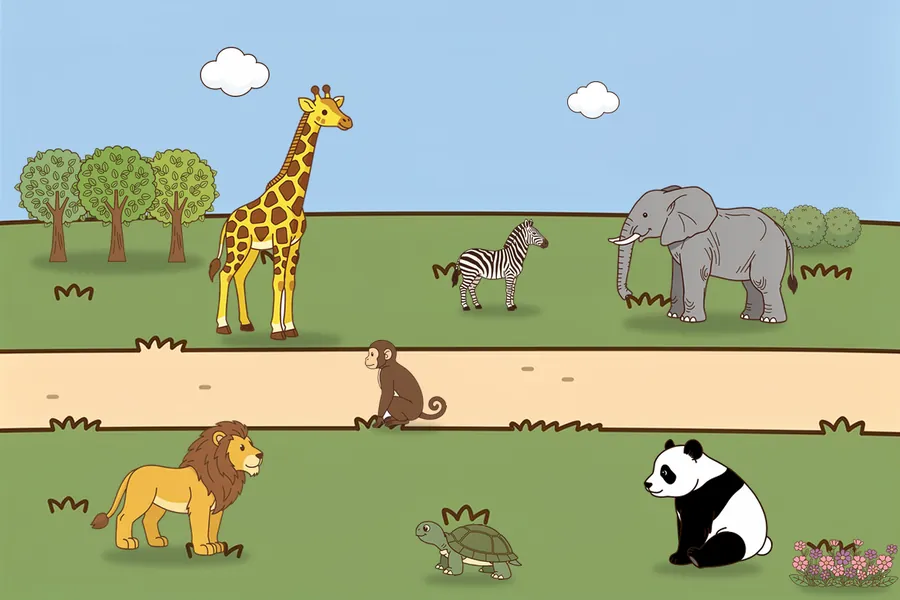
Your own picture Your own picture: a zoo with a giraffe, a zebra, an elephant, a monkey on the path, a lion, a turtle and a panda, with trees, bushes, flowers and two clouds Your own picture: a zoo with a giraffe, a zebra, an elephant, a monkey on the path, a lion, a turtle and a panda, with trees, bushes, flowers and two clouds (Sticker) Your own picture: a zoo with a giraffe, a zebra, an elephant, a monkey on the path, a lion, a turtle and a panda, with trees, bushes, flowers and two clouds (Starry night) Your own picture: a zoo with a giraffe, a zebra, an elephant, a monkey on the path, a lion, a turtle and a panda, with trees, bushes, flowers and two clouds (Candy) Your own picture: a zoo with a giraffe, a zebra, an elephant, a monkey on the path, a lion, a turtle and a panda, with trees, bushes, flowers and two clouds (Crayon)

“A tall giraffe, a little zebra and a big grey elephant at the zoo, a brown monkey sitting on the path, an orange lion, a green turtle and a black and white panda in the front, with trees, bushes, pink flowers and two clouds.”

Who it’s for

Anyone learning English, especially when it’s time to start speaking in sentences.

Just starting

Start with one sentence.

You don’t need many words. Name what you see, and the picture shows you what’s still missing.

Speaking

It counts when you can say it.

Look at the picture and say it. The picture answers right away, so every sentence gets a reaction.

Setting it up for your child takes a minute, too.

Safety

Nothing can appear that shouldn’t.

No ads. No names or photos collected, and no voice recordings kept.
Read about Spellsketch
  1. We draw only what you say. AI never fills in for you or writes for you.
  2. Every drawing is reviewed in advance and nothing is generated on the fly, so nothing can appear that shouldn’t.
  3. No streaks, no energy bars, no loot boxes. When today’s practice is done, we say so.
  4. You see the evidence: how many details you get on the first try at every new picture.
  5. If progress stalls, the app adjusts first and tells you what it changed. If that still doesn’t help, we’ll say so honestly and suggest another way.
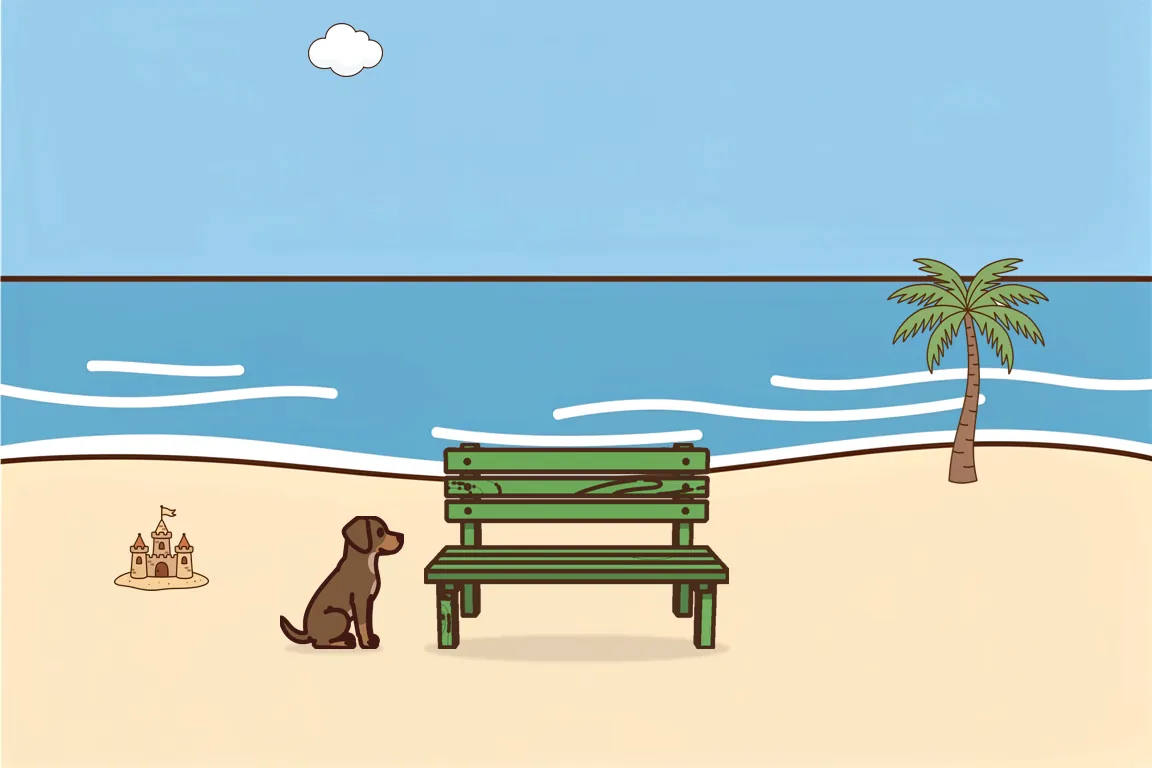
Tomorrow’s picture Another picture to describe: a brown dog next to a green bench on a beach, with a palm tree, a sandcastle and a cloud

Start with today’s picture.

Free to start, on iPhone and iPad.

Download the app